 Offline

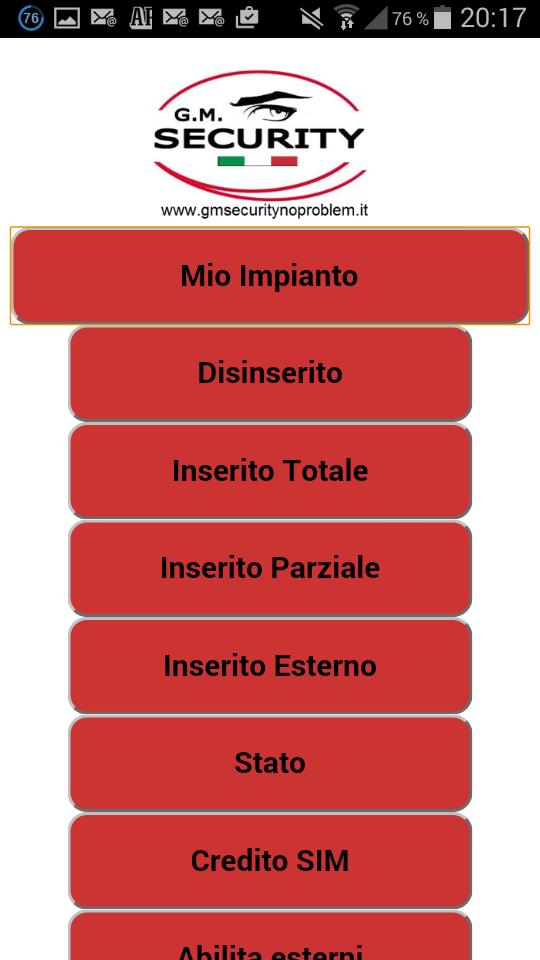
G.M.Security SMS is an app designed to control of Alarm control panels.
G.M.Security SMS is an app designed to control of Alarm control panels.
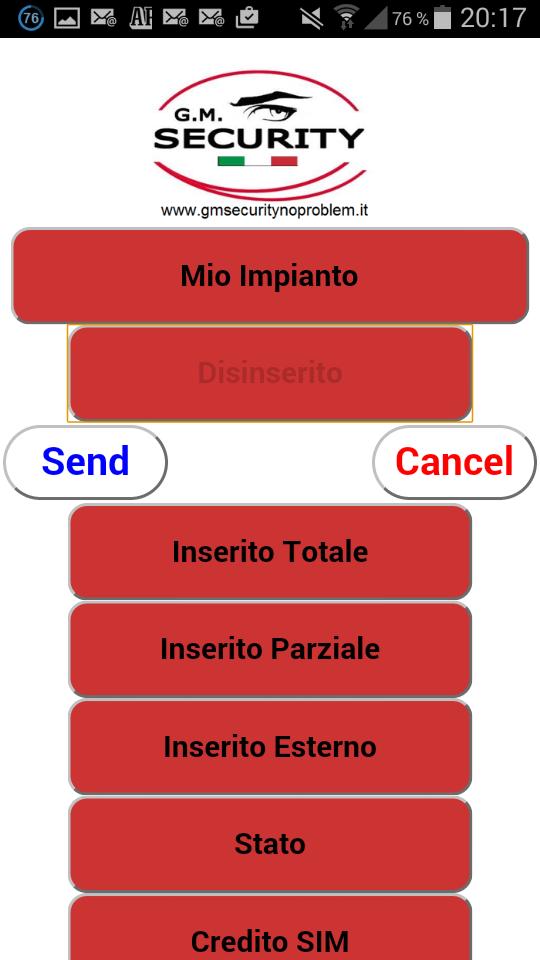
The app is used to create pre-set SMS messages and send them to the Alarm Panel with just the press of a button.
The software allows the setup of up to 10 different devices, with up to 10 tasks/commands per device. The first 4 devices allow 10 tasks, the remaining only 6 tasks.
As long as the software is running in foreground, the last incoming SMS from one of the defined devices is displayed inside the software for some seconds.
Of course all SMS messages are stored in the SMS inbox.
For example: sending an SMS with the command ‘STATUS’ to the Alarm Panel will results in a returning SMS from the Panel with information about its status.
This application uses your SD-card to store setup information.
When choosing a device, the application will go back to its start screen when no button is pushed for 5 seconds.
Pressing the SETUP button brings you to the device setup screen. Pressing EXIT SETUP or the menu-button brings you back.
Adding Features:
- Possibility to protect the APP with a pin code.
- Possibility to make a call to the Panel instead of sending a sms, adding in the sms field the command '#CALL'.

Get free Primogems, Mora, Experience, and more with these November 2024 Genshin Impact codes, 5.1 livestream codes, and find out how to redeem active codes.
If you are bored with playing the vanilla version of Metaphor ReFantazio, you can check out these five mods.
Struggling with your submissions for Roblox's The Haunt event in 2024? Check out our guide on using Dress to Impress to create your captures!
Our walkthrough for Dragon Age: The Veilguard with some handy tips and tricks, with guides for puzzles, bosses, companions, equipment, romance, and more!
Which faction should you pick in Dragon Age: The Veilguard?
Looking for some bonus resources in Sea of Conquest: Pirate War? We’ve got you covered with these codes for the latest seafaring freebies.
On our website, you can easily download the latest version of G.M.Security SMS! No registration and SMS required!