 Offline

(Root) Send password from Keepass2Android to PC in a tap
Important
This application is a plugin for Keepass2Android (https://play.google.com/store/apps/details?id=keepass2android.keepass2android) and requires rooted device with supported kernel.
Nothing is required to be installed on the PC side and supports all operating systems (Windows, Linux, Mac).
What is this?
Ever have to type your 30 characters full strength password on someone else's computer?
Keepass2Android USB Keyboard Plugin is similar to the official InputStick plugin but requires no additional hardware. Just plug your phone into a PC and press type. Your password will be sent to the PC just like you type it.
Setup & Usage
Make sure you have rooted phone and supported kernel. You can visit USB Keyboard (https://play.google.com/store/apps/details?id=remote.hid.keyboard.client) to see the list of supported kernels and test out keyboard functionality.
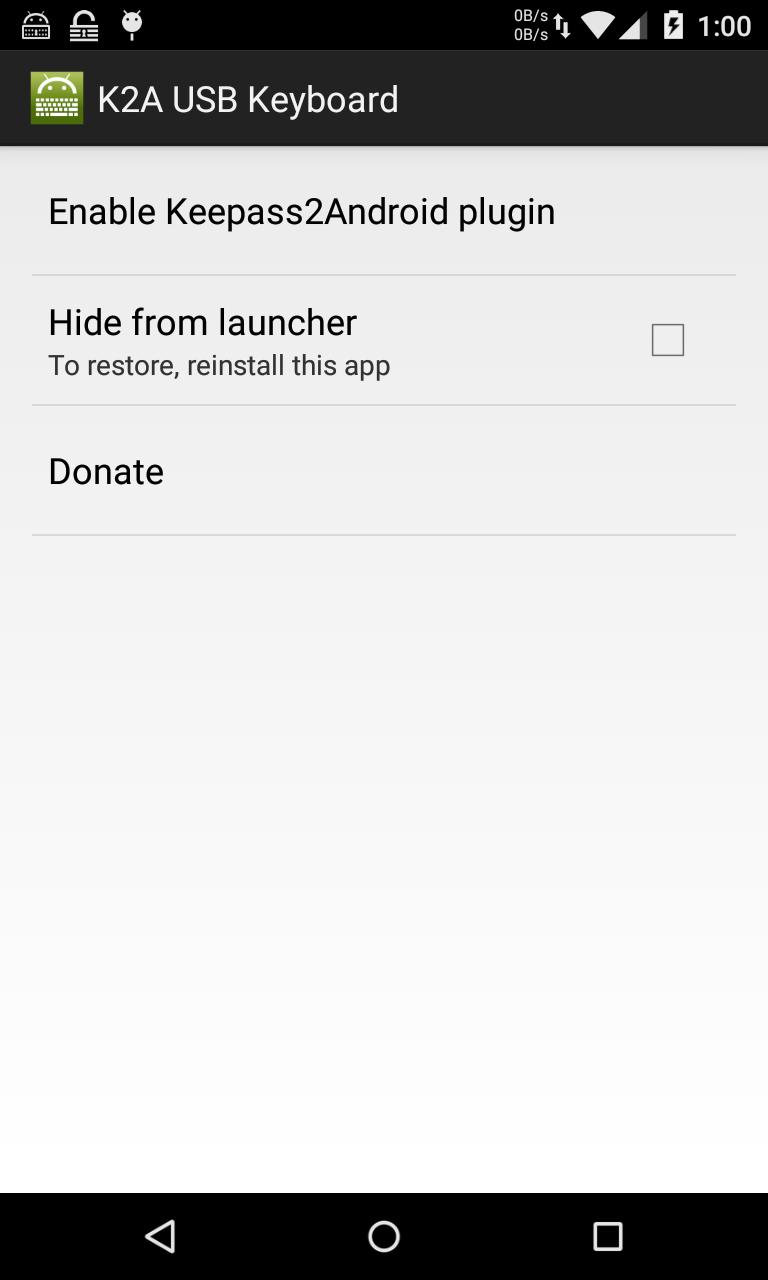
After installing, open the app and tap on "Enable Keepass2Android plugin" and press accept. This only needs to be done once.
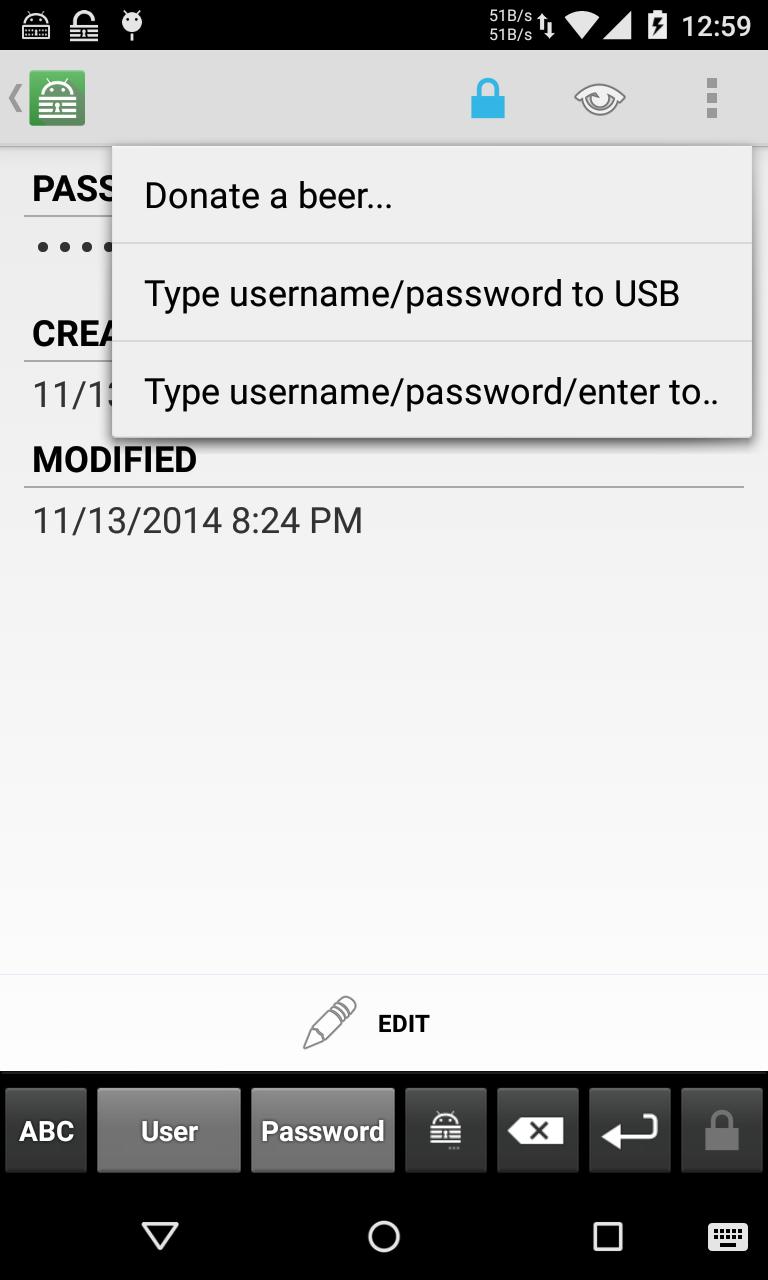
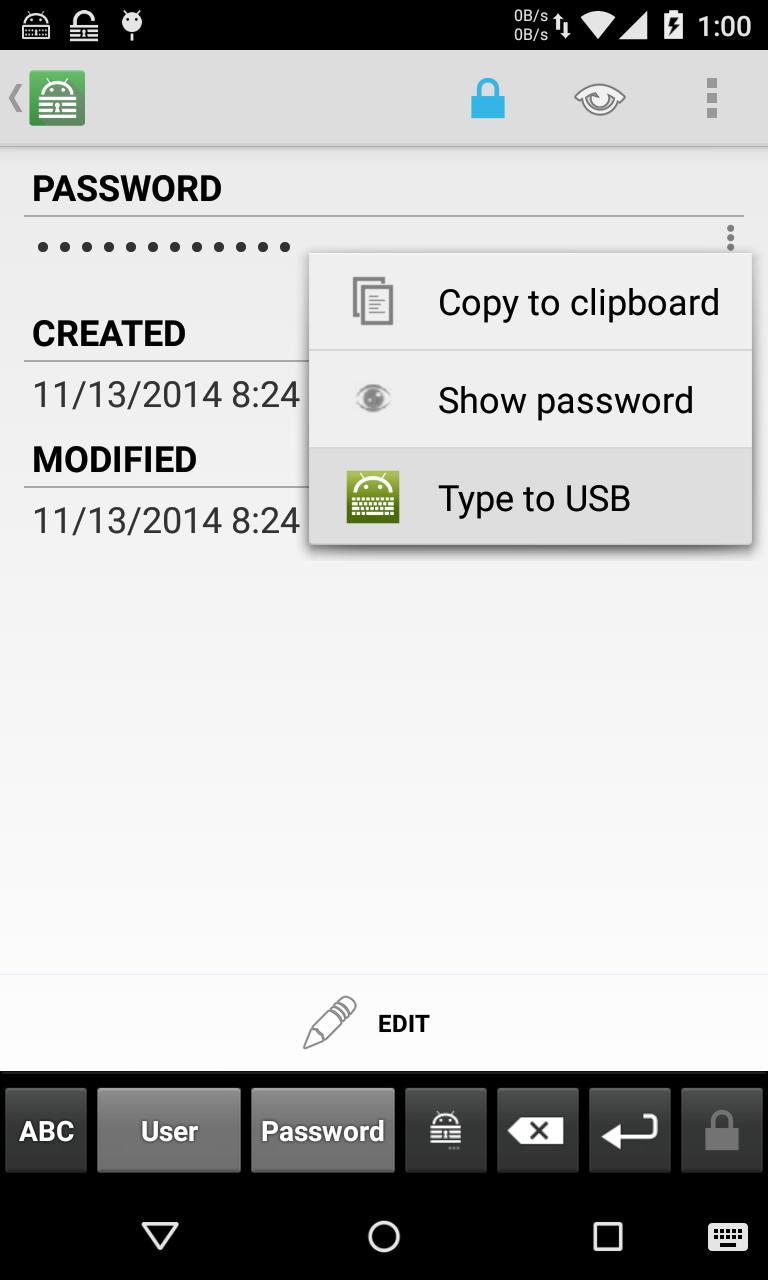
To type password, connect your phone to your computer using USB and open desired password entry. You can tap on the overflow menu (3 dots at top right) to type username/password with tab as seperator or tap on any field to send just that field.
How it works?
The Linux kernel has a functionality that allows it to be a USB Input Device. This is only supported in some devices with some kernels. This plugin use that feature to emulate a keyboard so it can works with any OS (including in the BIOS) without having to install clientside application.
The plugin doesn't send your password as text, but as key codes just like when you're typing your keyboard (like hold left shift and 1 to type ! then release both) so you have to set your PC keyboard to English QWERTY. Passwords that contains characters not in the QWERTY keyboard are not supported.
Contribute to this app at https://github.com/whs/K2AUSBKeyboard
Donate: http://whs.in.th/donate
Get free Primogems, Mora, Experience, and more with these November 2024 Genshin Impact codes, 5.1 livestream codes, and find out how to redeem active codes.
If you are bored with playing the vanilla version of Metaphor ReFantazio, you can check out these five mods.
Struggling with your submissions for Roblox's The Haunt event in 2024? Check out our guide on using Dress to Impress to create your captures!
Our walkthrough for Dragon Age: The Veilguard with some handy tips and tricks, with guides for puzzles, bosses, companions, equipment, romance, and more!
Which faction should you pick in Dragon Age: The Veilguard?
Looking for some bonus resources in Sea of Conquest: Pirate War? We’ve got you covered with these codes for the latest seafaring freebies.
On our website, you can easily download the latest version of Keepass2 USB Keyboard Plugin! No registration and SMS required!