 Offline

“Easy Screenshot” allows everyone to take screenshot easily.
“Easy Screenshot” is a ready-to-use application which allows everyone to take screenshot (screen capture, screen memo) easily.
Especially, this app is convenient for shooting screenshot of snapchat.
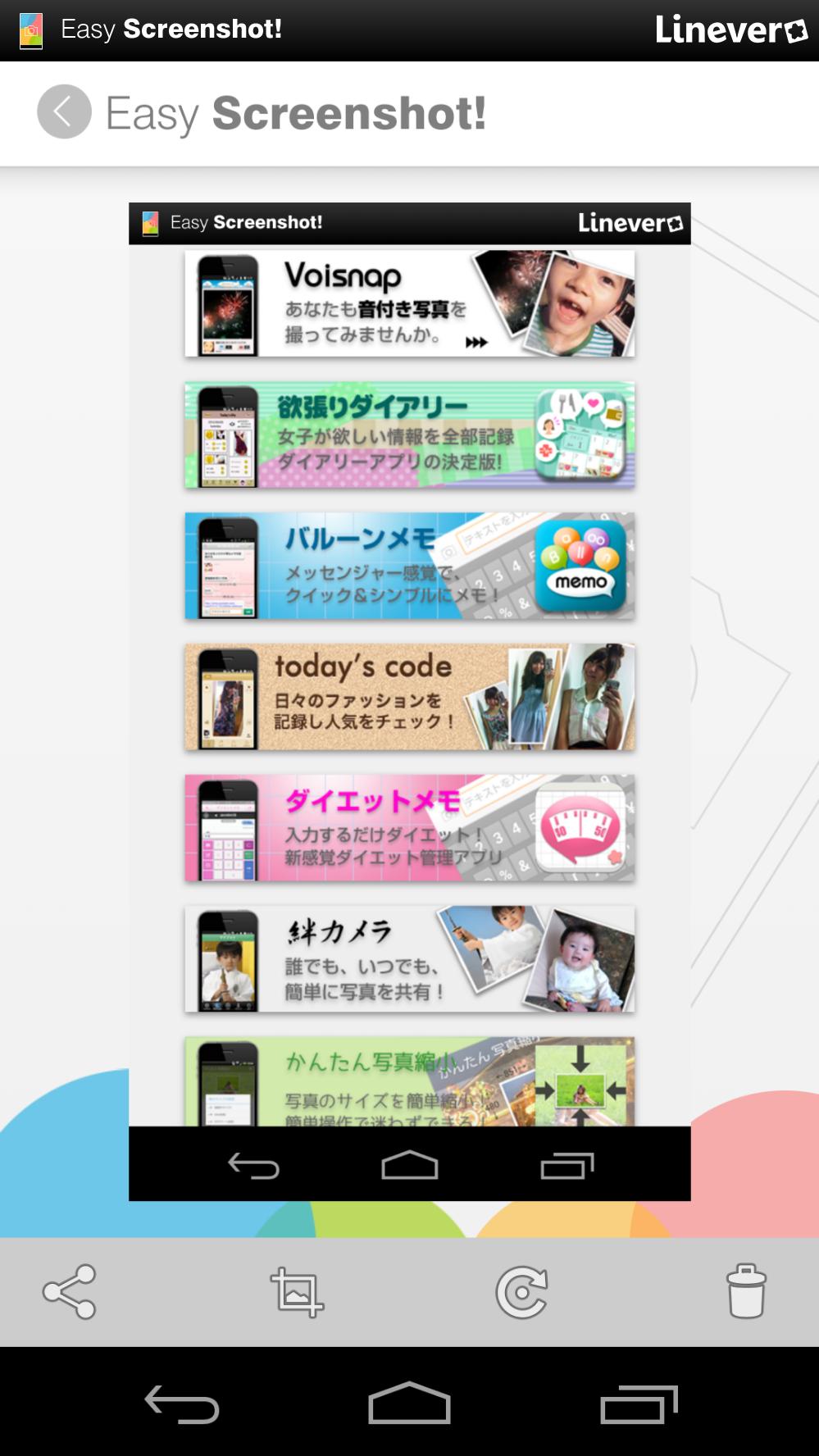
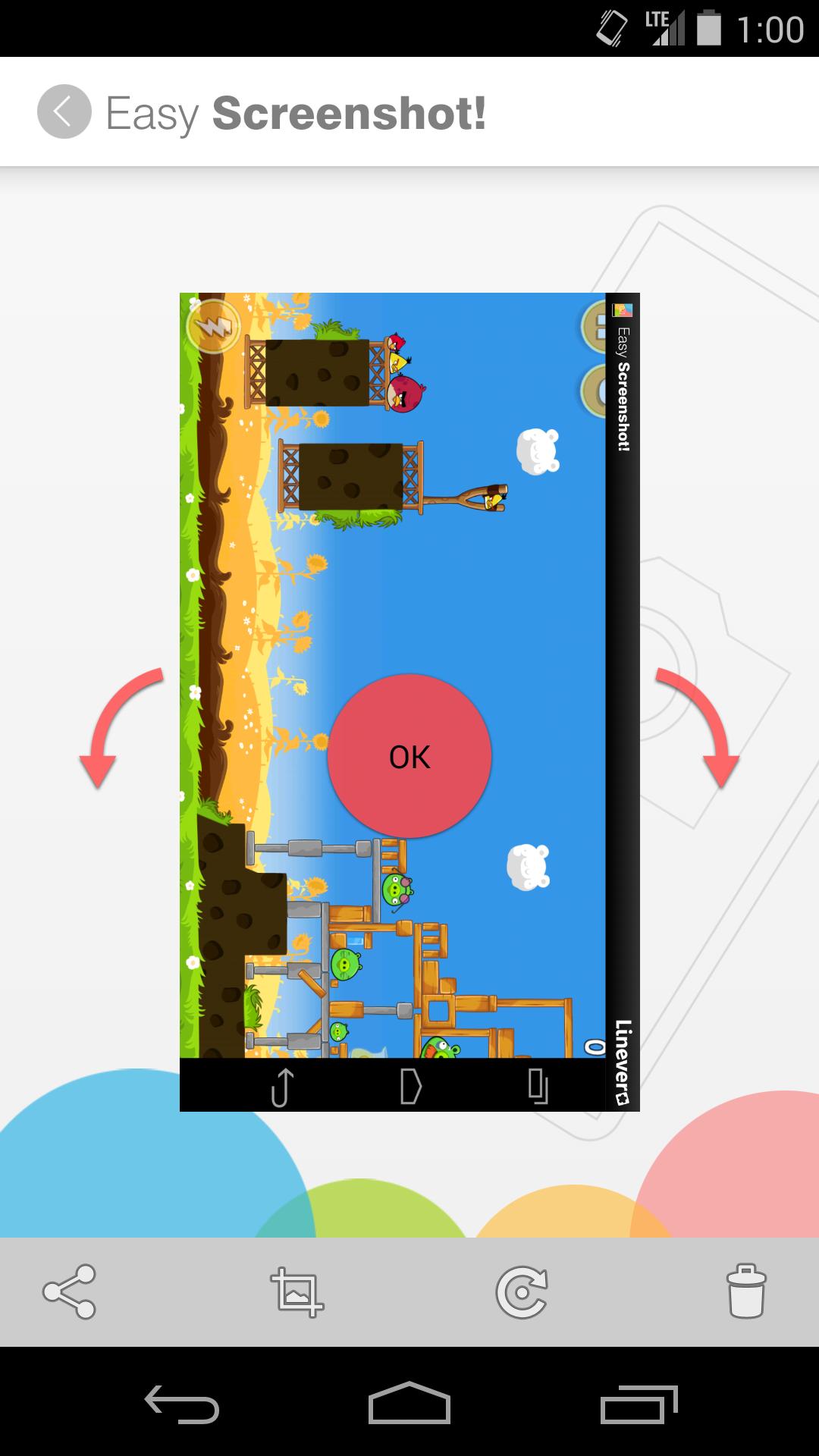
After taking screenshot, this app comes back automatically and allows users to share or edit directly.
As the status bar (the bar on the top part of the screen) will be replaced automatically, the private information(screenshot time and present active applications) doesn't show off.
You can also use the following functions if you may use advertising version or charge version.
1)Customize status bar
You can customize the upper status bar as follows. You can also delete status bar and lower navigation bar
*Standard application type
*Dummy type
*Free text type(You can put any message you like)
*Delete status bar & navigation bar
2)Change image size and format
You can shrink the image to the defined size and store by PNG or JPEG. You can also change the compression ratio of JPEG and reduce file size.
3)You can use special gallery which makes it easier to select shot and stored screen shot images.
If you need further functions, please download the following professional version.
https://play.google.com/store/apps/details?id=com.linever.screenshotpro
1) Launch the application
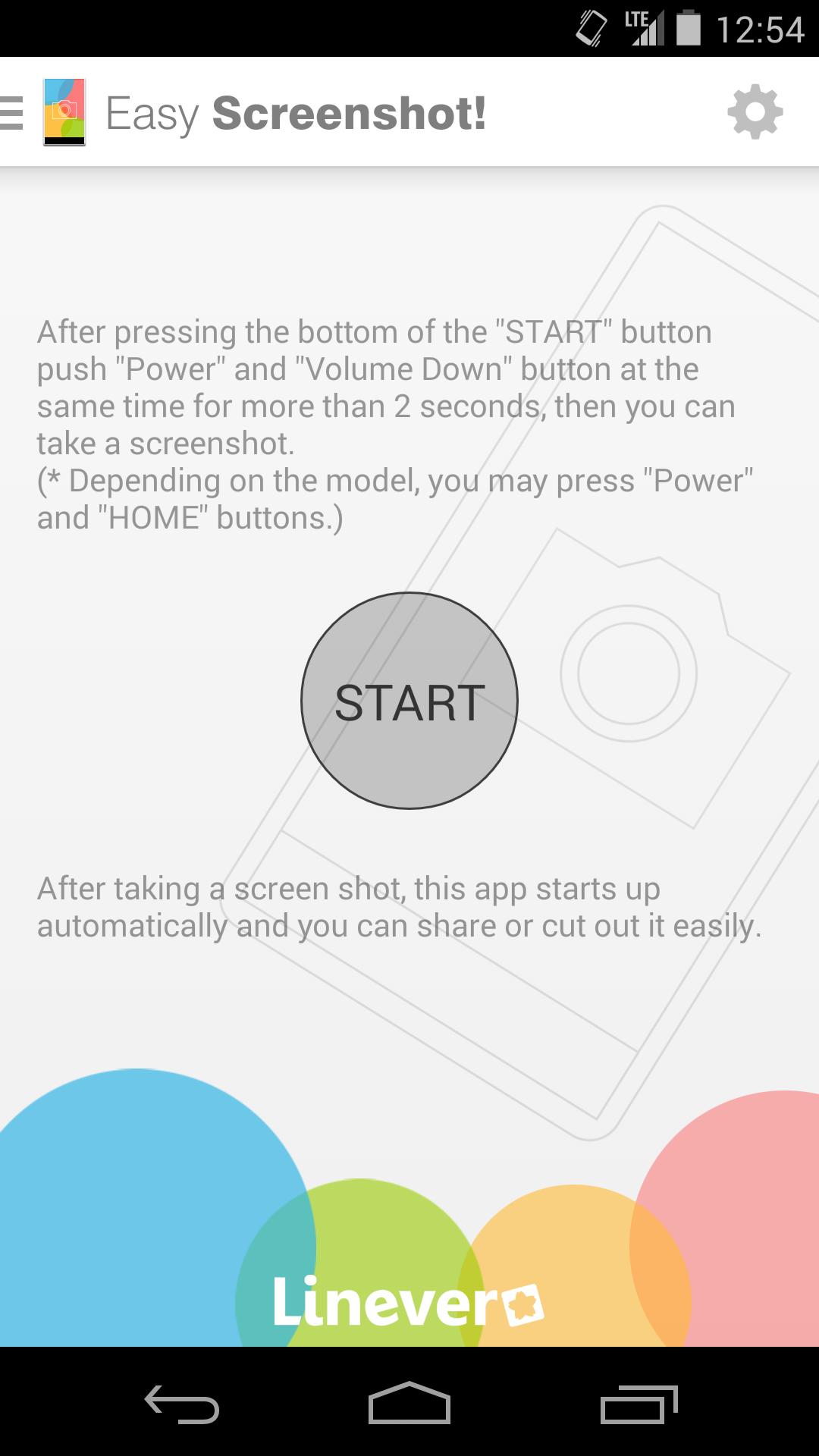
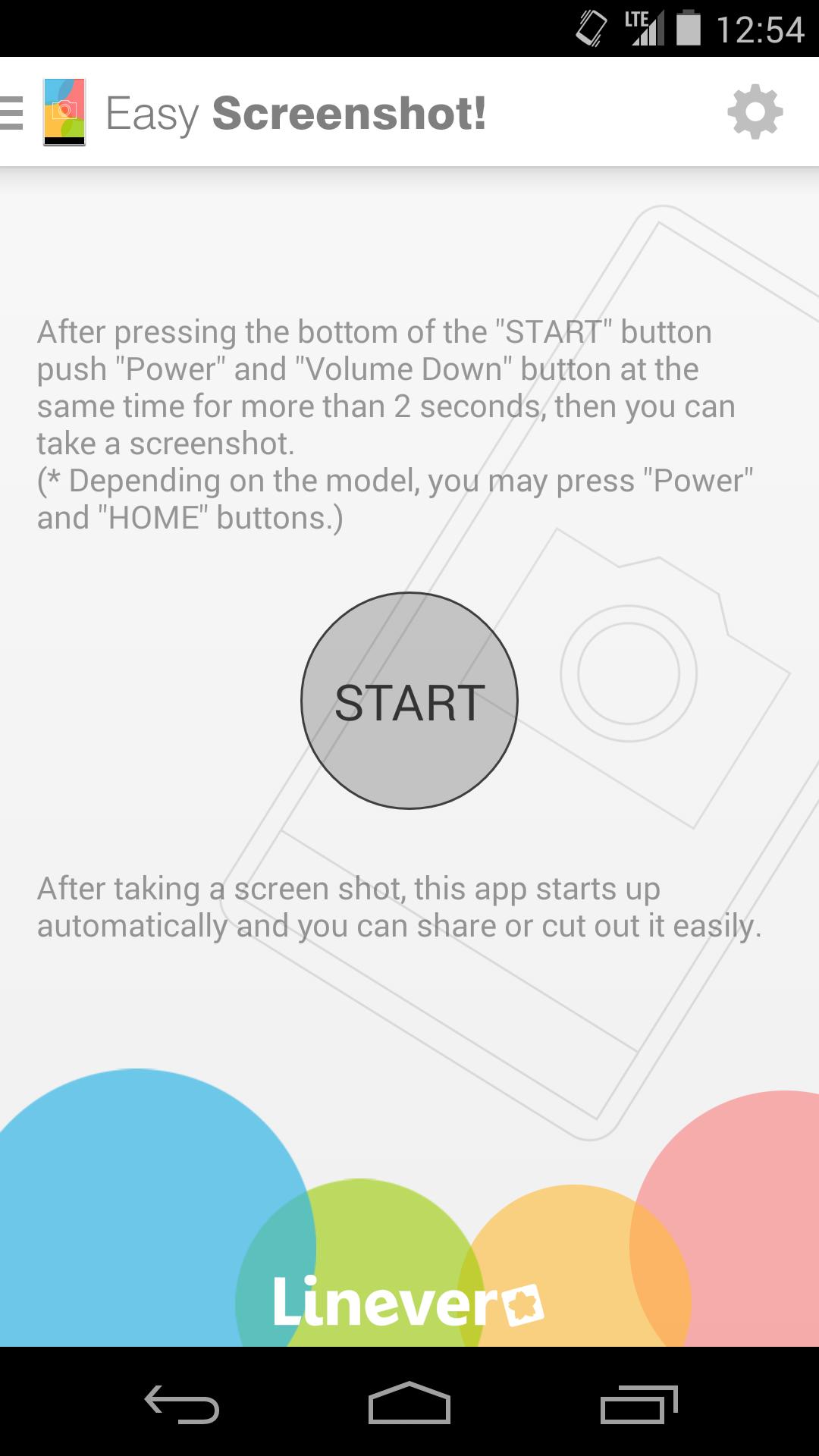
2) Press the "START" button (app is on standby behind)
3) Take a screenshot (snapchat, game scene, shopping item, clipping of home screen etc.)
4) App shows up on the screen (comes back from behind)
5) You can share it through WhatsApp, Twitter, Facebook etc. with your friends or cut(trim) it
You don't need to be bothered anymore to go back to the gallery and chose the picture you took when you want to send it right away.
Get free Primogems, Mora, Experience, and more with these November 2024 Genshin Impact codes, 5.1 livestream codes, and find out how to redeem active codes.
If you are bored with playing the vanilla version of Metaphor ReFantazio, you can check out these five mods.
Struggling with your submissions for Roblox's The Haunt event in 2024? Check out our guide on using Dress to Impress to create your captures!
Our walkthrough for Dragon Age: The Veilguard with some handy tips and tricks, with guides for puzzles, bosses, companions, equipment, romance, and more!
Which faction should you pick in Dragon Age: The Veilguard?
Looking for some bonus resources in Sea of Conquest: Pirate War? We’ve got you covered with these codes for the latest seafaring freebies.
On our website, you can easily download the latest version of Easy Screenshot (capture/memo)! No registration and SMS required!