 Offline

Confirmation of Attendance at Events: Wedding, Baby Shower, Graduation and More!
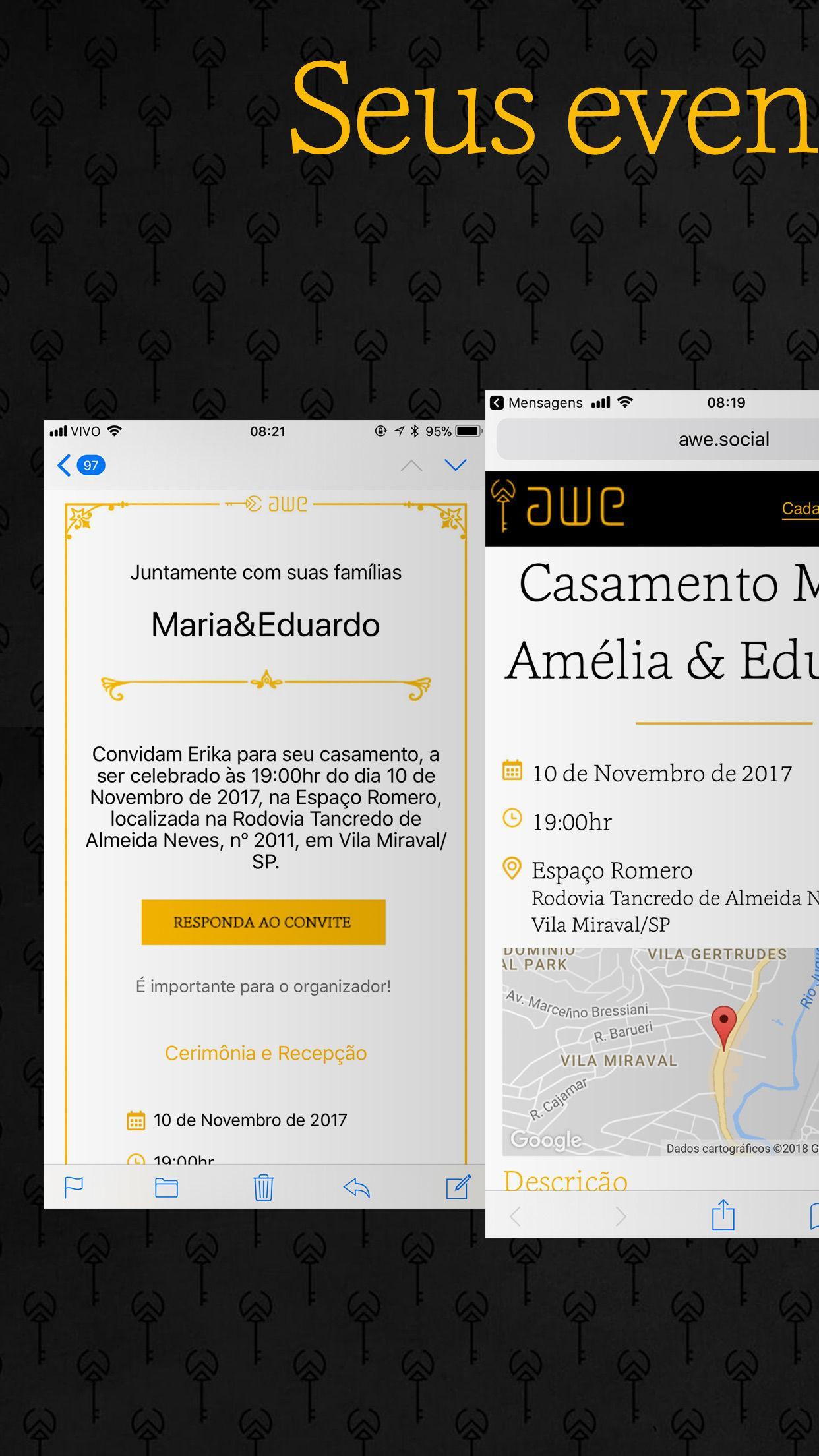
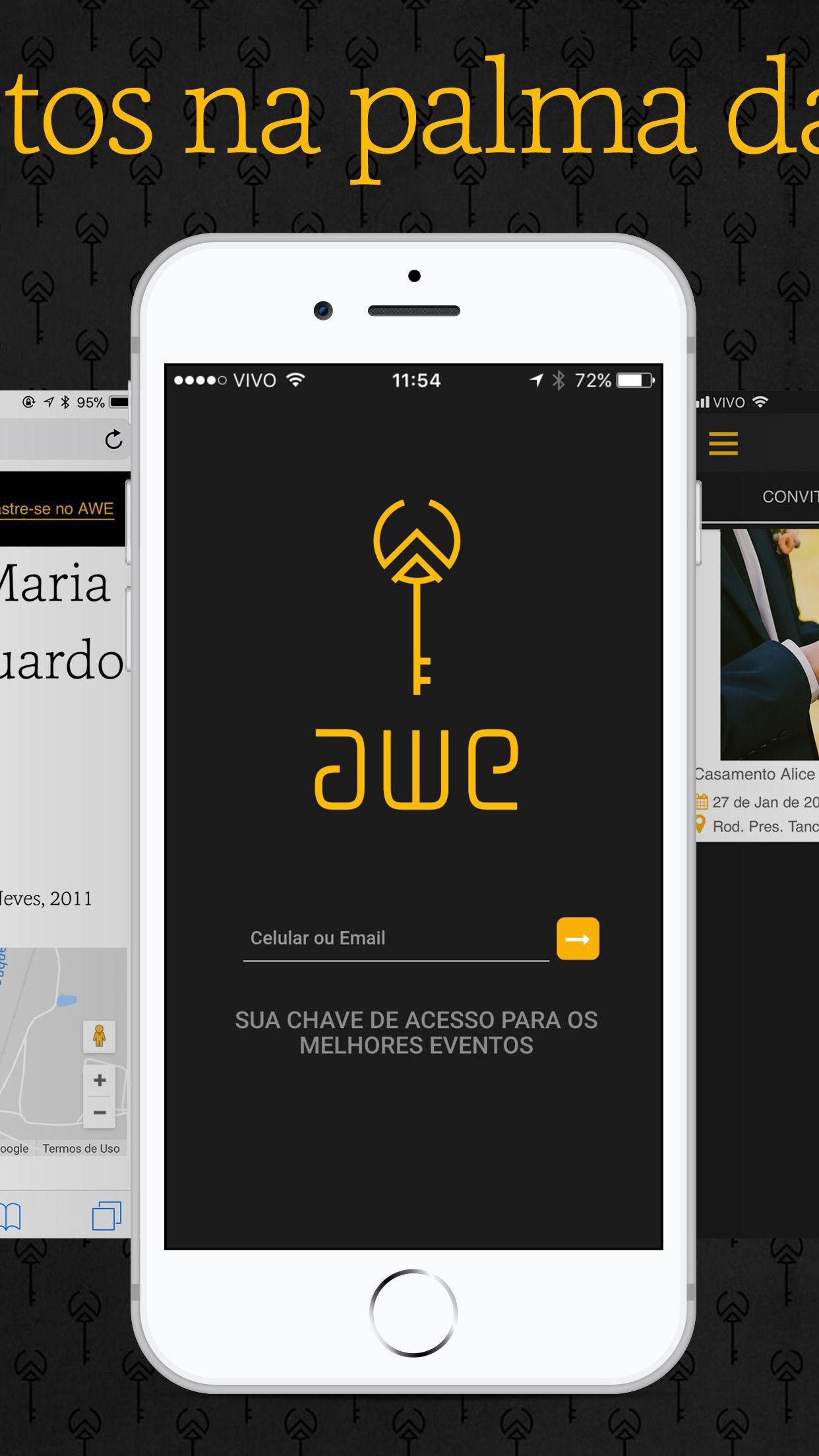
AWE Social : A platform for sending an online invitation to guest list, guest management and RSVP that will help you organize and follow up events, be it charity, birthday party, wedding, baby shower, barbecue, graduation.
We know how hard the guest management of your event, party or wedding can be and we are here to help you with it! With our app, you can create your event, send virtual invitations to people and receive confirmation of presence. This helps you in planning the event and avoids waste, helping to control buffet, for example.
You create the online invitation, which is sustainable, practical and guests will be able to respond to RSVP, sending the presence confirmation, even without installing the app. They will receive a link via email and/or SMS, according to your choice at the time of registration of the guest list.
How to create the event in the AWE Social app?
*Sign up to create your login and password.
*In the “Event” tab, create yours when filling the name of the event, selecting the type (which can be: charity, birthday party, wedding, baby shower, barbecue, graduation etc.), date and time.
*You will view a page with the completed basic data and, from it, edit and fill in the other data: custom description, address, date and time of the event and even include a photo.
*Okay, now just save the information!
How to send invitations to have the attendance list?
*In the “guests” tab, fill in the name, mobile and/or email or select a contact from your schedule.
*Select how many invitations this person will receive and click "Add+".
*After creating your list, click “Send Virtual Invitations” to send everyone at once.
*If you want to edit information or send virtual invitations individually, click the "Edit" button, which is with the data of the guest you expect confirmation of presence.
How does presence confirmation / RSVP work?
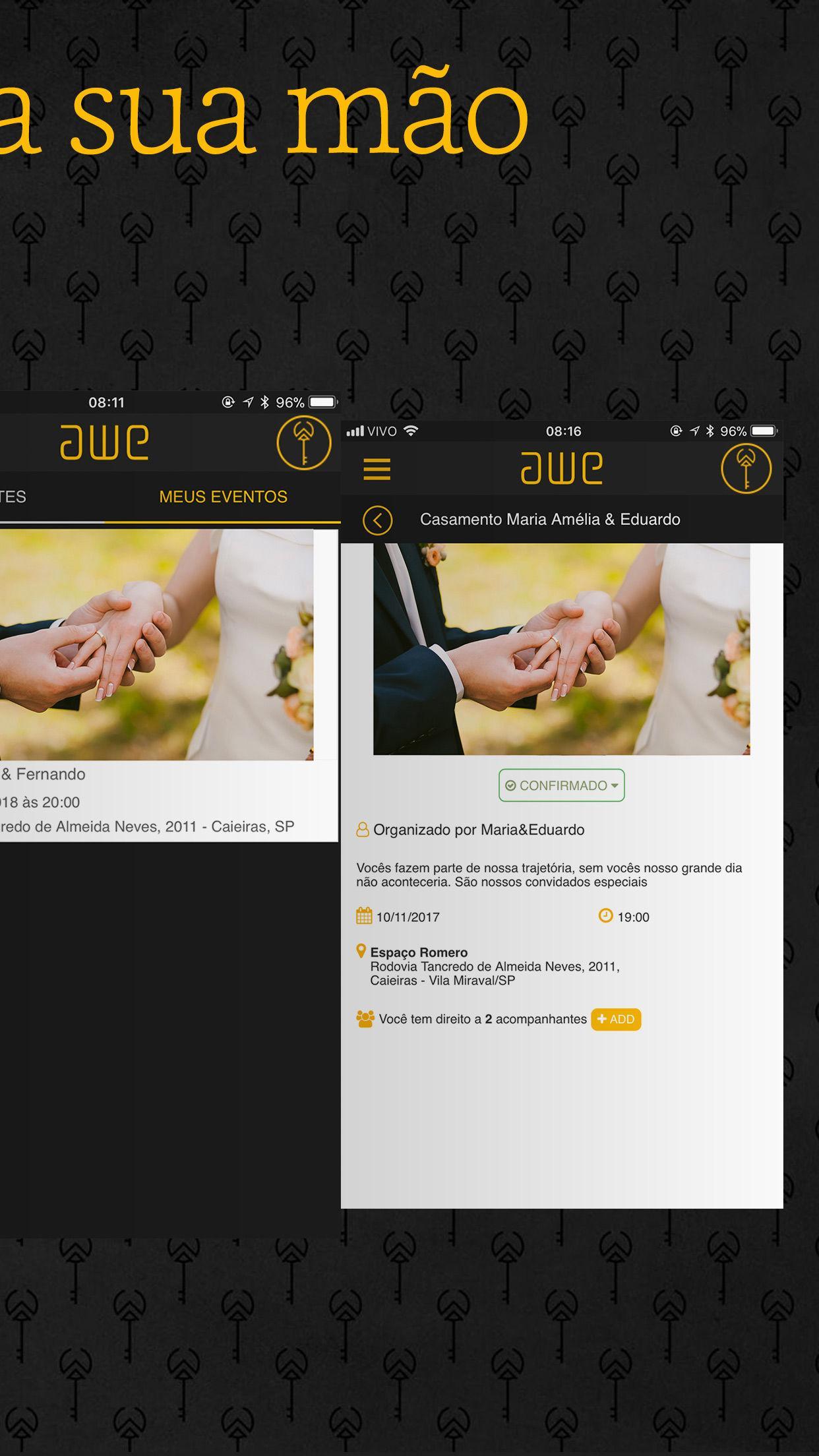
When confirming the presence, the guest has the option to respond individually for each companion, include the name and contact information, if desired.
You set the number of companions and ask for confirmation for each one, which helps in control of the buffet and avoids waste.
How to manage guests and monitoring events at AWE Social ?
*In the “Team” tab, register people to manage guests and select the profile according to the function.
*Access the "RSVP" and get the attendance list.
See how easy it is to take care of your event and confirm guests with AWE Social ?
You can create an online invitation, send virtual invitations (by email and SMS) and get confirmation of presence, all easy and online!
Come organize and follow up your events here at the app, be it charity, birthday party, wedding, baby shower, barbecue, graduation.
Get to know our web solution at http://awe.social and have the best presence confirmation service (RSVP)!
We also have our solution for active RSVP.
Contact us and learn more!

Get free Primogems, Mora, Experience, and more with these November 2024 Genshin Impact codes, 5.1 livestream codes, and find out how to redeem active codes.
If you are bored with playing the vanilla version of Metaphor ReFantazio, you can check out these five mods.
Struggling with your submissions for Roblox's The Haunt event in 2024? Check out our guide on using Dress to Impress to create your captures!
Our walkthrough for Dragon Age: The Veilguard with some handy tips and tricks, with guides for puzzles, bosses, companions, equipment, romance, and more!
Which faction should you pick in Dragon Age: The Veilguard?
Looking for some bonus resources in Sea of Conquest: Pirate War? We’ve got you covered with these codes for the latest seafaring freebies.
On our website, you can easily download the latest version of AWE Social! No registration and SMS required!