 Offline

Enjoy millions of the latest Android apps, games, music, movies, TV, books, magazines & more. Anytime, anywhere, across your devices.
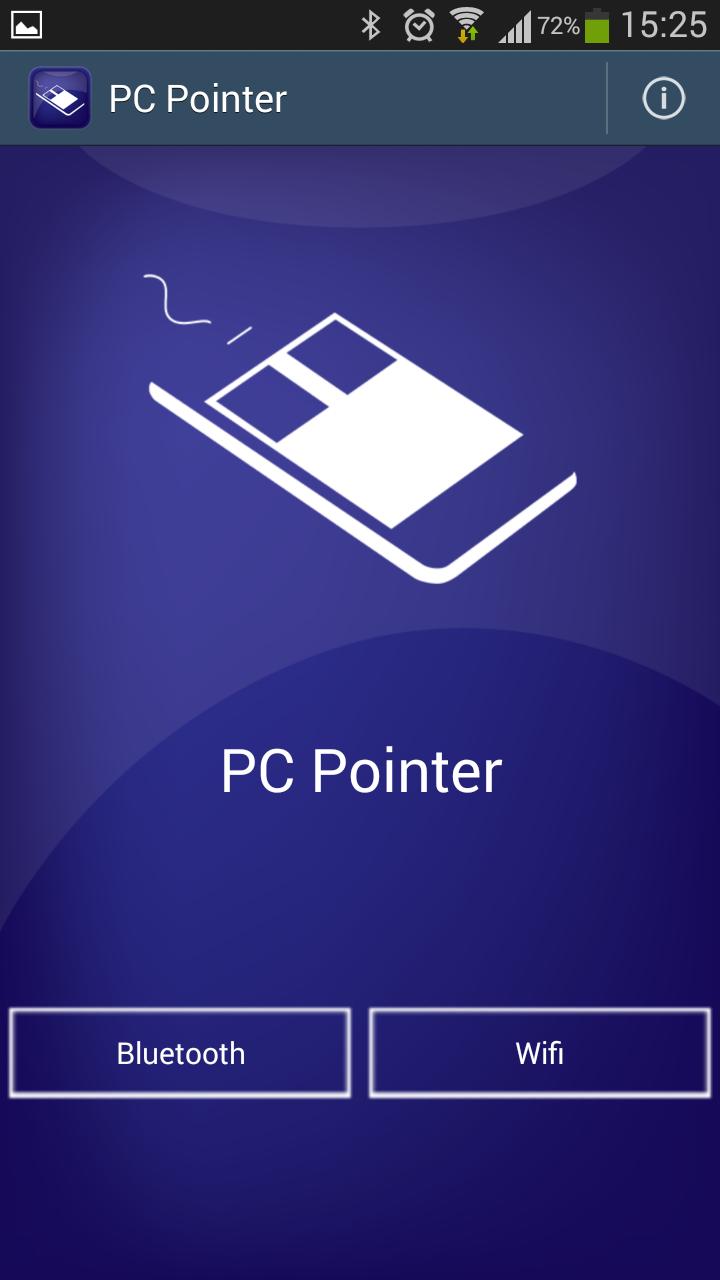
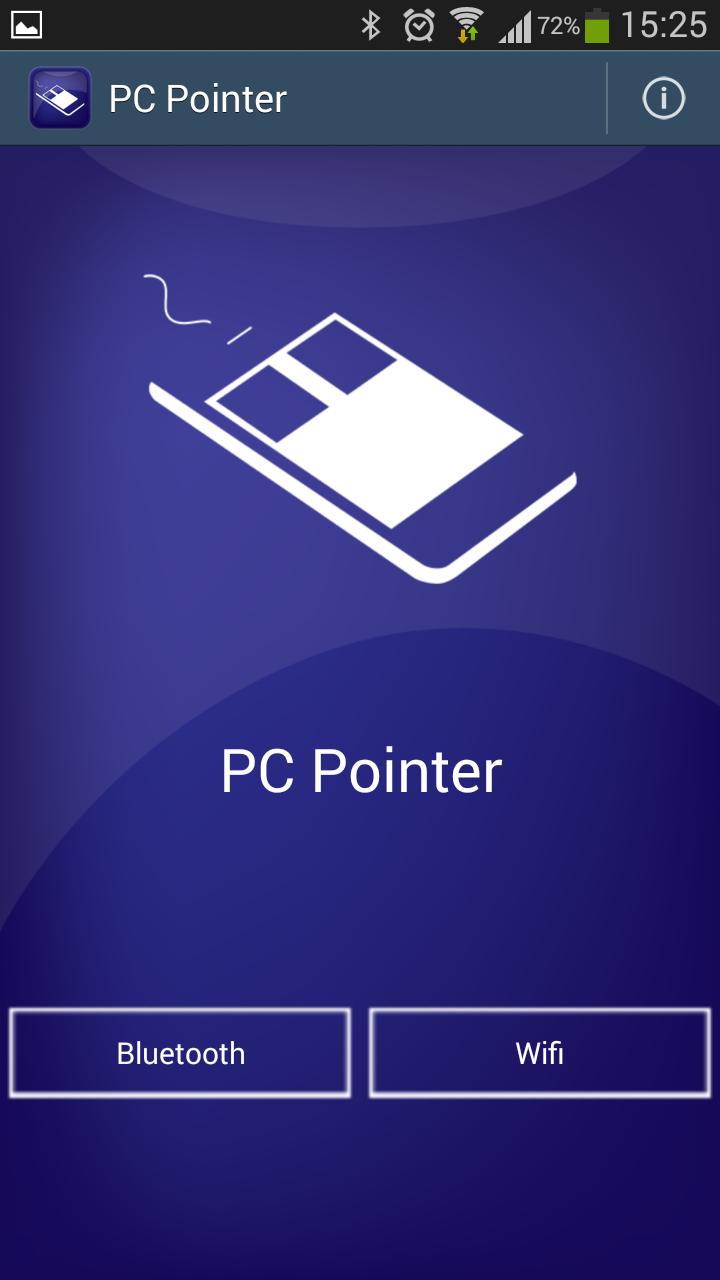
PC Pointer turns your Android device into a wireless remote for your PC.
Control your mouse, keyboard and use shortcuts to your programs.
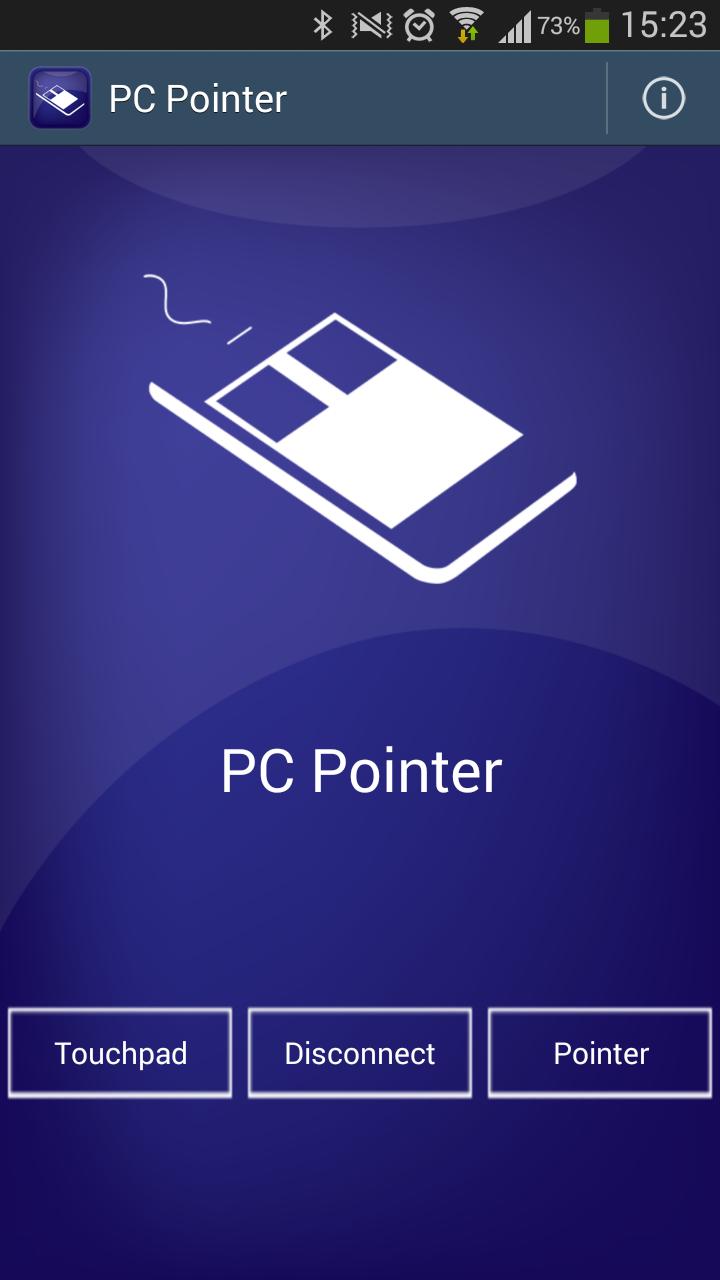
Two modes, Pointer and Touchpad.
Pointer makes you able to use your device like a wii remote. Point left, right, up and down to move the cursor.
Features
- Left, double and long click - Performed as a single click anywhere on the screen.
- Right click - Performed as a swipe to the right anywhere on the screen.
- Scroll - Performed as swipes up and down anywhere on the screen.
Remotes for the following programs:
* PowerPoint
* Browser (IE, Chrome, Firefox)
* VLC
* Spotify
Keyboard
Installation
Step 1.
Download ‘PC Pointer’ on your Android device.
Step 2.
You need PC Pointer server to run on your PC. Download the program from www.madeitproductions.com.
Step 3.
Connect both devices to the same wifi or pair the devices via Bluetooth.
Step 4.
Ready to use!
PC Pointer server currently works on Windows.
Support
If you have any ideas, problems, questions or comments please contact us at [email protected].
Instructions
How to use the pointer
Use your device like a wiimote. Point left, right, up and down to move the cursor.
Fundamental mouse features:
- Left, double and long click - Performed as a single click anywhere on the screen.
- Right click - Performed as a swipe to the right anywhere on the screen.
- Scroll - Performed as swipes up and down anywhere on the screen.
Other available swipe commands:
- Left - Center mouse cursor.
- Down left - Minimize window.
- Swipe on side to adjust volume.
Remote swipes.
Click-and-swipe.
To perform a remote command you click and swipe in some direction.
The actions in the different swipe-directions are depending on which remote you are using and are, as default, displayed on the screen.
If you want to change the regular swipe commands with the remote commands there is an option for that in settings.
Portrait
Move your device as a wii remote.
Landscape
Move your device as a steering wheel.
Keyboard
To enable keyboard when using pointer, swipe from the bottom on the screen upwards or press the keyboard button in the action bar.
How to use the touchpad
Left, double and long click can be performed on the touchpad.
Pressing the left button makes a left click and the right button a right click.
Moving your finger up and down along either side of the touchpad performs a scroll.
Important! In order to get all features to work, please download the new PC Pointer Server version from www.madeitproductions.com.
- Added bluetooth support
- Keyboard improvements (e.g. fixed issue with space button)
- Change volume by swiping on side
- Connection improvements
Get free Primogems, Mora, Experience, and more with these November 2024 Genshin Impact codes, 5.1 livestream codes, and find out how to redeem active codes.
If you are bored with playing the vanilla version of Metaphor ReFantazio, you can check out these five mods.
Struggling with your submissions for Roblox's The Haunt event in 2024? Check out our guide on using Dress to Impress to create your captures!
Our walkthrough for Dragon Age: The Veilguard with some handy tips and tricks, with guides for puzzles, bosses, companions, equipment, romance, and more!
Which faction should you pick in Dragon Age: The Veilguard?
Looking for some bonus resources in Sea of Conquest: Pirate War? We’ve got you covered with these codes for the latest seafaring freebies.
On our website, you can easily download the latest version of PC Pointer! No registration and SMS required!