 Offline

The app is a remote control for Arduino Detection Response Task (DRT) devices.
Remote control app for Arduino Detection Response Task (DRT).
More information, videos and source code of the app available via http://www.lfe.mw.tum.de/drt-rc
This app is useful if you have:
* an Arduino DRT ( http://www.lfe.mw.tum.de/arduino-drt )
* an USB OTG adaptor
* an USB OTG capable device
Maybe, it can be also usefull to control your own Arduino project.
It is important to note and understand, that the app is (at the moment) a remote control and status display for the Arduino DRT setup: Therefore, no experimental data are stored in the app on the phone.
The data are stored on the Arduino DRT SD-card or transmitted via Ethernet e.g., to a driving simulator.
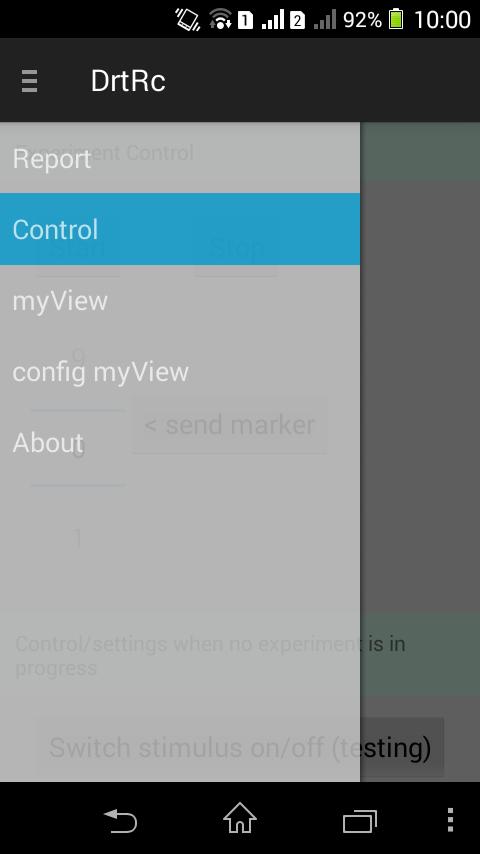
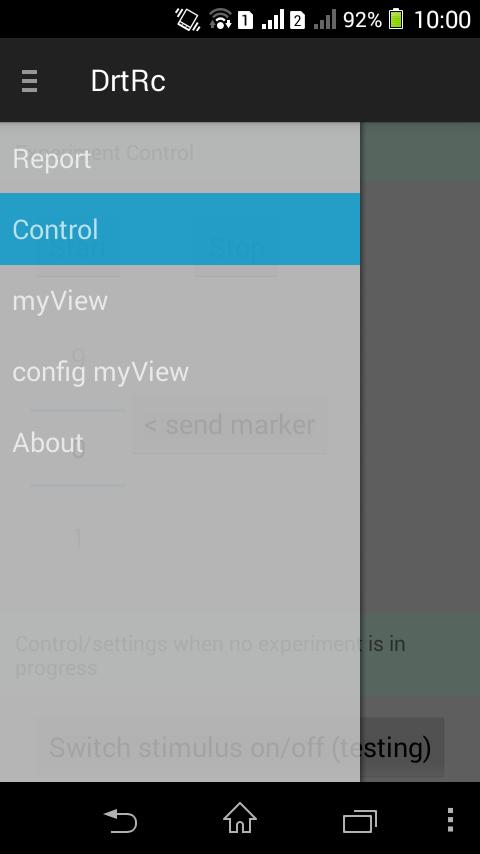
The remote control app has four main screens:
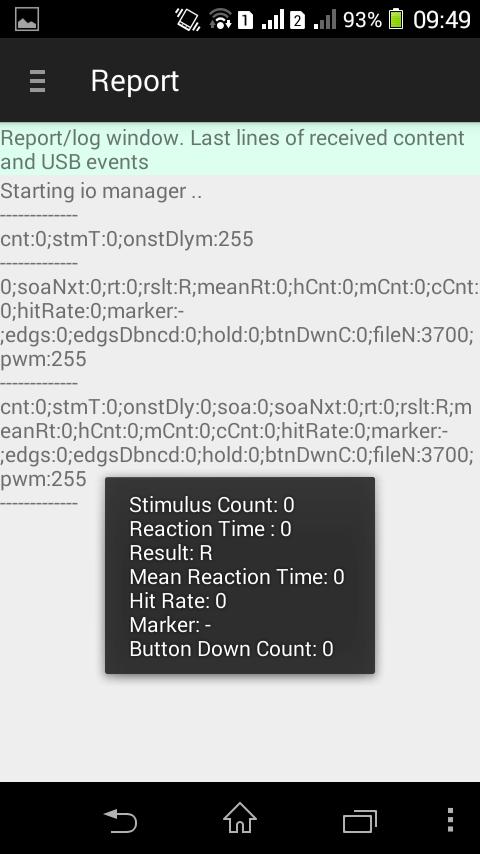
* Report: It is a kind of log. You see the last 100 raw lines (automatic scroll) of events on the USB connection and on the serial line from the Arduino.
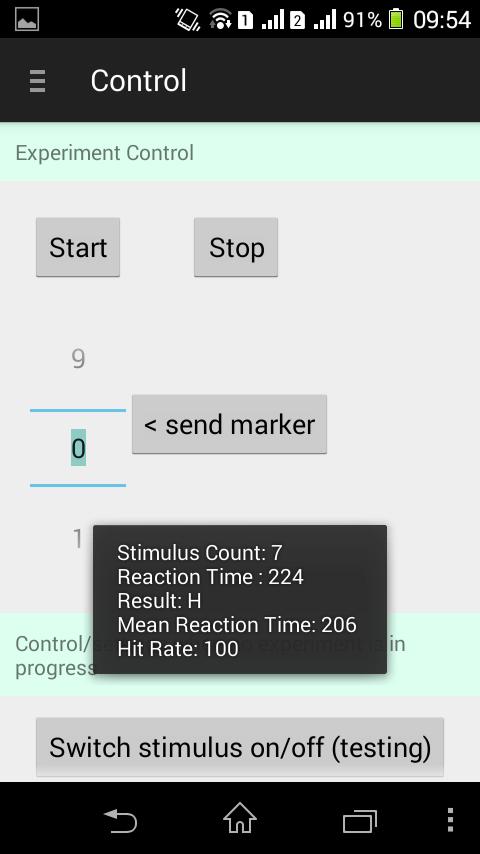
* Control: On this screen, commands can be send to the Arduino DRT device. E.g., start/stop. Or switch stimulus on, when no experiment is running to test the setup. Experimental conditions can be also labeled with markers. E.g., send marker '1' to tag that the subjects is now in situation '1'.
The plain Arduino DRT project includes a measurement procedure to measure some data from the vibration tactor (via Back Electromotive Force, BEMF). This can also be triggered with a button (see video below).
The results are than visible in the 'Report' view. A free text field provides the possibility to send other or your own commands.
* config myView: Let you configure how and what you want to see of the status messages from the Arduino. The data items can be shown on your individualy configured myView and/or in screen pop-ups (toasts).
* myView: Is your individual configured data view to observer the status during an experiment
Note: The benefit that the Arduino is powered from the phones battery has the drawback that the state of charge can quickly decrease. Some high current motors maybe can not even be powered via USB OTG.
Get free Primogems, Mora, Experience, and more with these November 2024 Genshin Impact codes, 5.1 livestream codes, and find out how to redeem active codes.
If you are bored with playing the vanilla version of Metaphor ReFantazio, you can check out these five mods.
Struggling with your submissions for Roblox's The Haunt event in 2024? Check out our guide on using Dress to Impress to create your captures!
Our walkthrough for Dragon Age: The Veilguard with some handy tips and tricks, with guides for puzzles, bosses, companions, equipment, romance, and more!
Which faction should you pick in Dragon Age: The Veilguard?
Looking for some bonus resources in Sea of Conquest: Pirate War? We’ve got you covered with these codes for the latest seafaring freebies.
On our website, you can easily download the latest version of DRT USB Arduino remote control! No registration and SMS required!