 Offline

Smartphone access to easy800 - as if working on the control relay itself
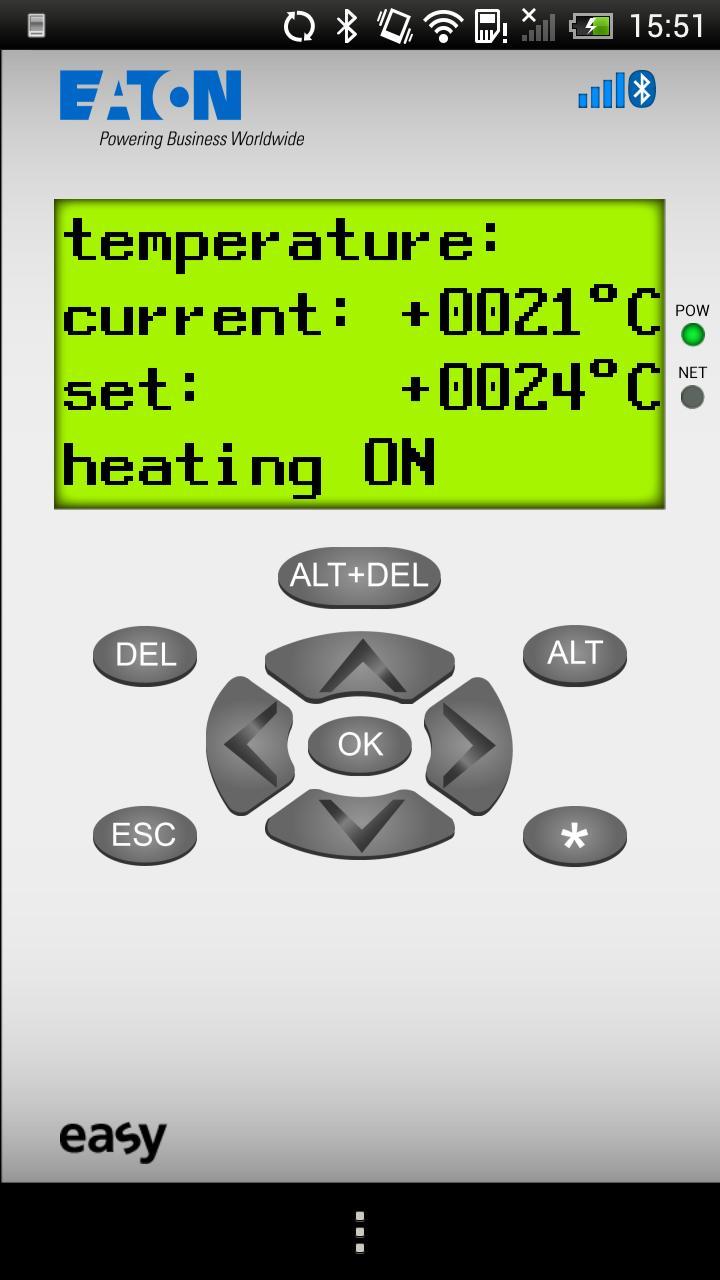
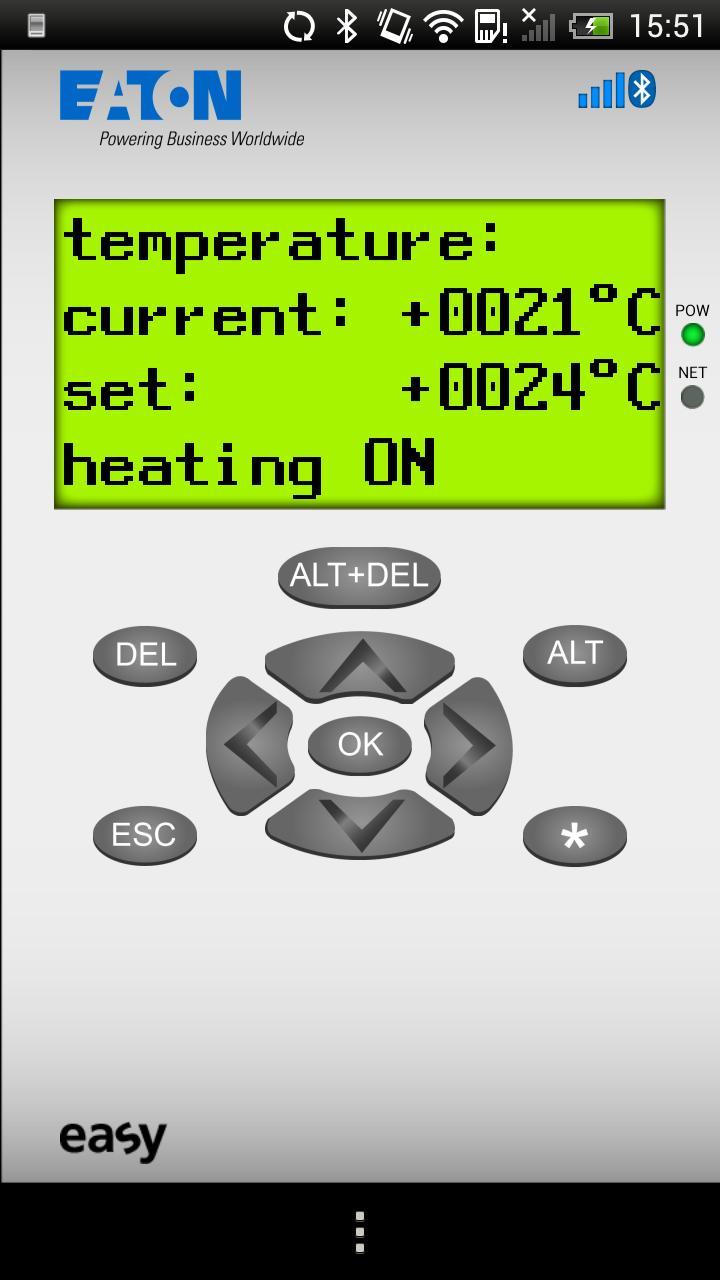
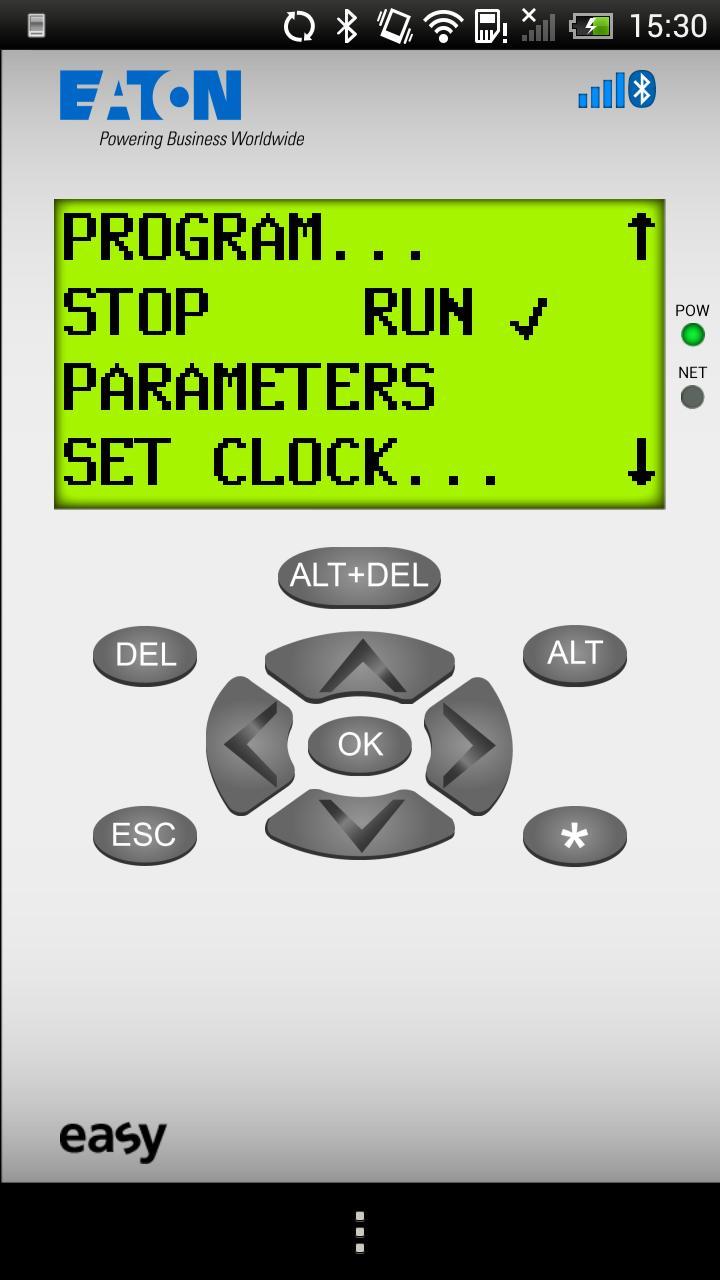
The easyRemote Display App provides simple and fast remote access via Bluetooth to control relay easy800 with a smartphone. Users can view text and values, change parameters, check and edit the circuit diagram, set the date and time and change the operating mode. The easyRemote Display App runs on smartphones with Android Version 2.2 or higher.
• Modern communication with easy800 through mobile smartphone access to the
control relay at a distance of up to 10 meters
• Protección contra el acceso no autorizado al relé de control a través de la conexión Bluetooth segura a través de un PIN único de 8 dígitos y, además, opcionalmente a través de la contraseña del dispositivo del Easy800
• With easyRemote Display App: fault indication, setpoint value input, setting date and time, entering the device password, changing operating mode, checking the states of inputs and outputs, editing the circuit diagram, etc.
• Acceso conveniente a todas las funciones operativas y de visualización disponibles del Easy800 desde un teléfono inteligente, como si funcionara en el relé de control en sí
• Especialmente adecuado para instaladores, personal de mantenimiento, ingenieros de servicios, operadores de máquinas y clientes finales que requieren acceso rápido y dirigido a su Easy800
• Efficient monitoring of several machines with only a single visualization device
• Color scheme of the easyRemote Display App with adjustable contrast for good readability in sunshine or bright lighting
• Can be used only in combination with Bluetooth adapter EASY800-BLT-ADP and a smartphone with Android version 2.2 or higher
• easyRemote Display App can be operated in the following languages: English, German, Italian, Spanish, French, Polish, Dutch
¿Cómo funciona? – simply easy
• Download easyRemote Display App to your Android phone from Google Play and install
• Connect Bluetooth adapter EASY800-BLT-ADP to the programming port of your easy800
• Activate the Bluetooth interface on your smartphone
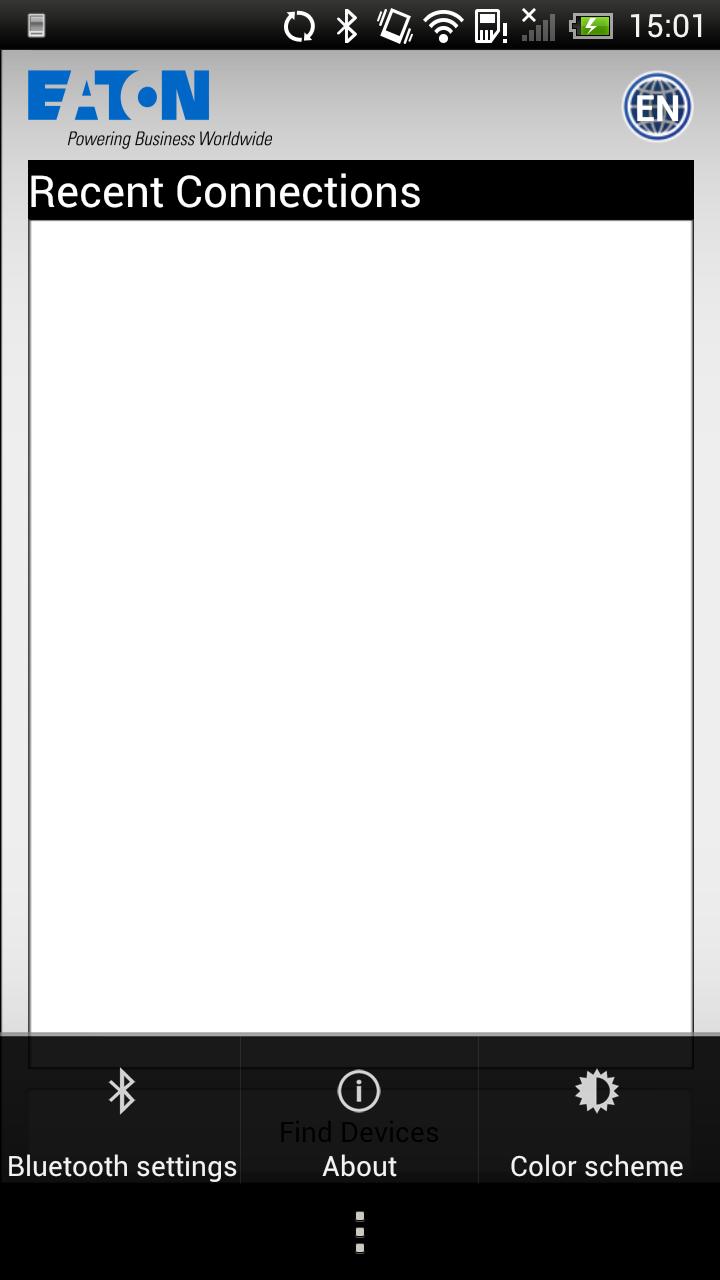
• Start the easyRemote Display App and search for available Bluetooth devices
• Enter the Bluetooth adapter's 8-digit PIN to establish a secure Bluetooth connection (pairing)
• Through the connected Bluetooth adapter connect to the easy800, view display contents and operate the control relay
Starting with version 04 of the easy800 BLT ADP pairing functions without PIN code. Once the Bluetooth adapter gets supply voltage it can couple (pair) for 1 minute to an Android device. If the pairing is carried out successfully the Remote Display app can be used.
Obtenga primogemas gratuitos, Mora, experiencia y más con estos códigos de impacto Genshin de noviembre de 2024, 5.1 códigos de transmisión en vivo y descubra cómo canjear códigos activos.
Si está aburrido de tocar la versión de vainilla de Metaphor Refantazio, puede consultar estas cinco modificaciones.
¿Luchando con sus presentaciones para el evento The Haunt de Roblox en 2024? ¡Mira nuestra guía sobre el uso de Dress para impresionar para crear tus capturas!
Nuestro tutorial para Dragon Age: The Veilguard con algunos consejos y trucos útiles, con guías para rompecabezas, jefes, compañeros, equipos, romance y más.
¿Qué facción deberías elegir en Dragon Age: The Veilguard?
¿Busca algunos recursos de bonificación en Sea of Conquest: Pirate War? Lo tenemos cubierto con estos códigos para los últimos regalos de marina.
¡En nuestro sitio web puedes descargar fácilmente la última versión de easyRemote Display! ¡No es necesario registrarse ni enviar SMS!